Available on App Store

Every song has
that perfect moment.

Turn any MP3 into a custom iPhone ringtone in seconds. Trim, preview on loop, add fades — then set it straight from the app.
Download on the App Store
See how it works
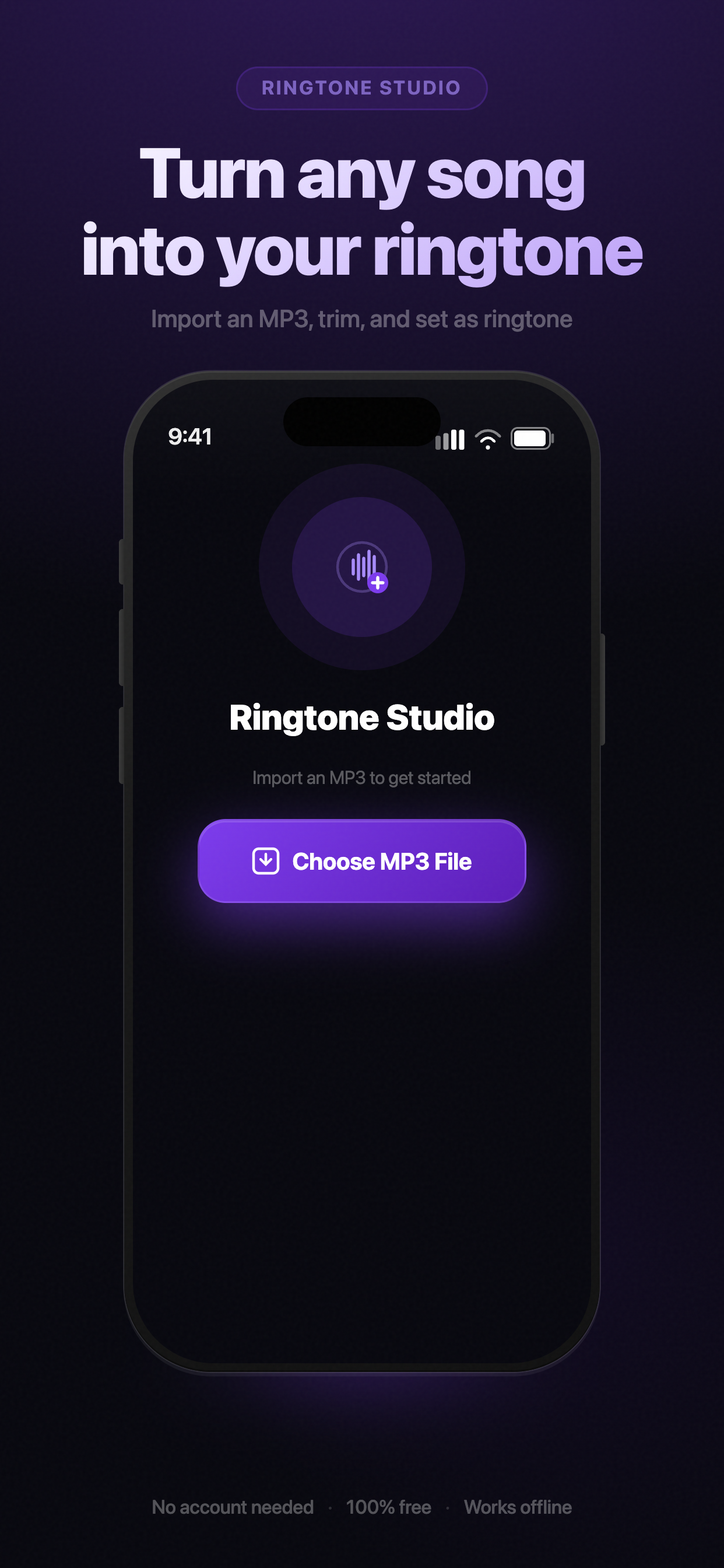
Import screen
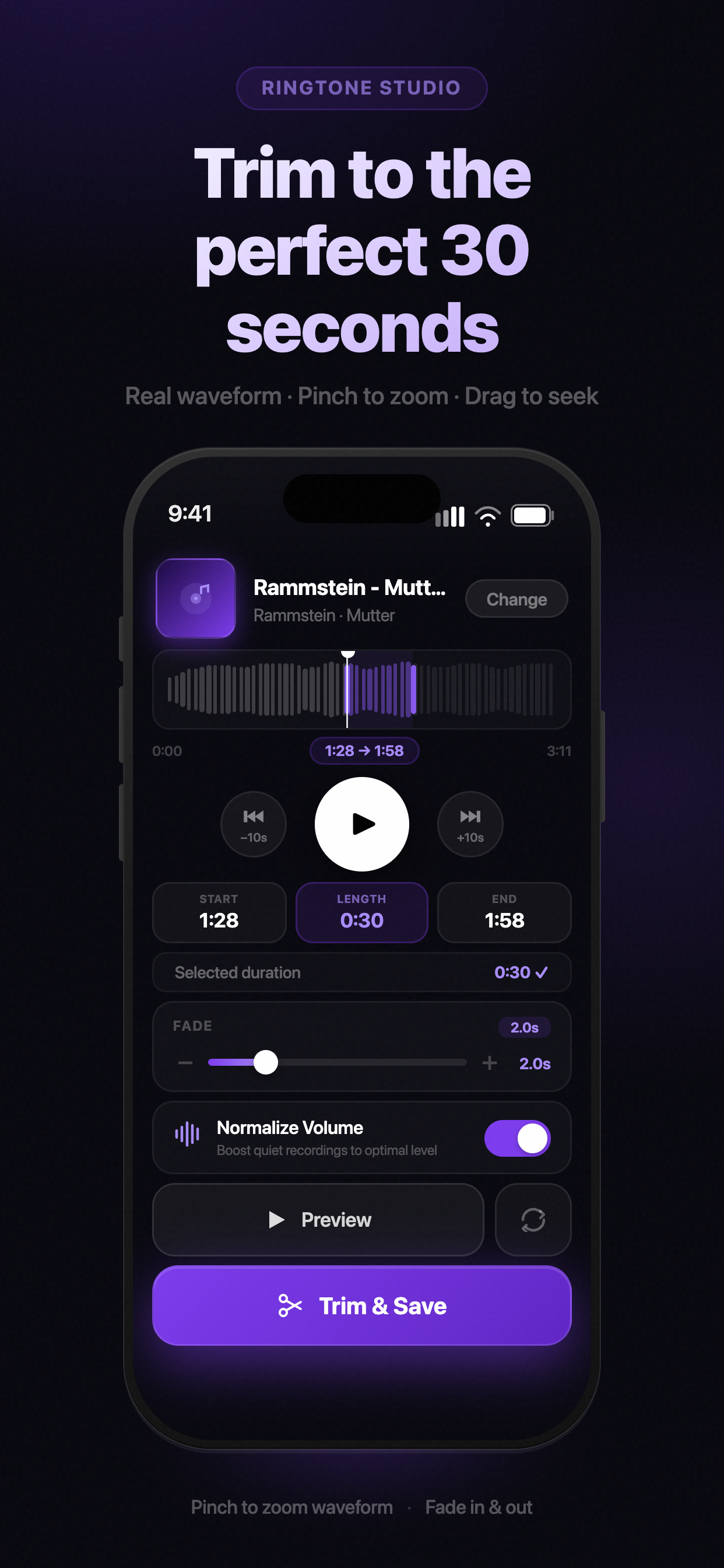
Trim screen
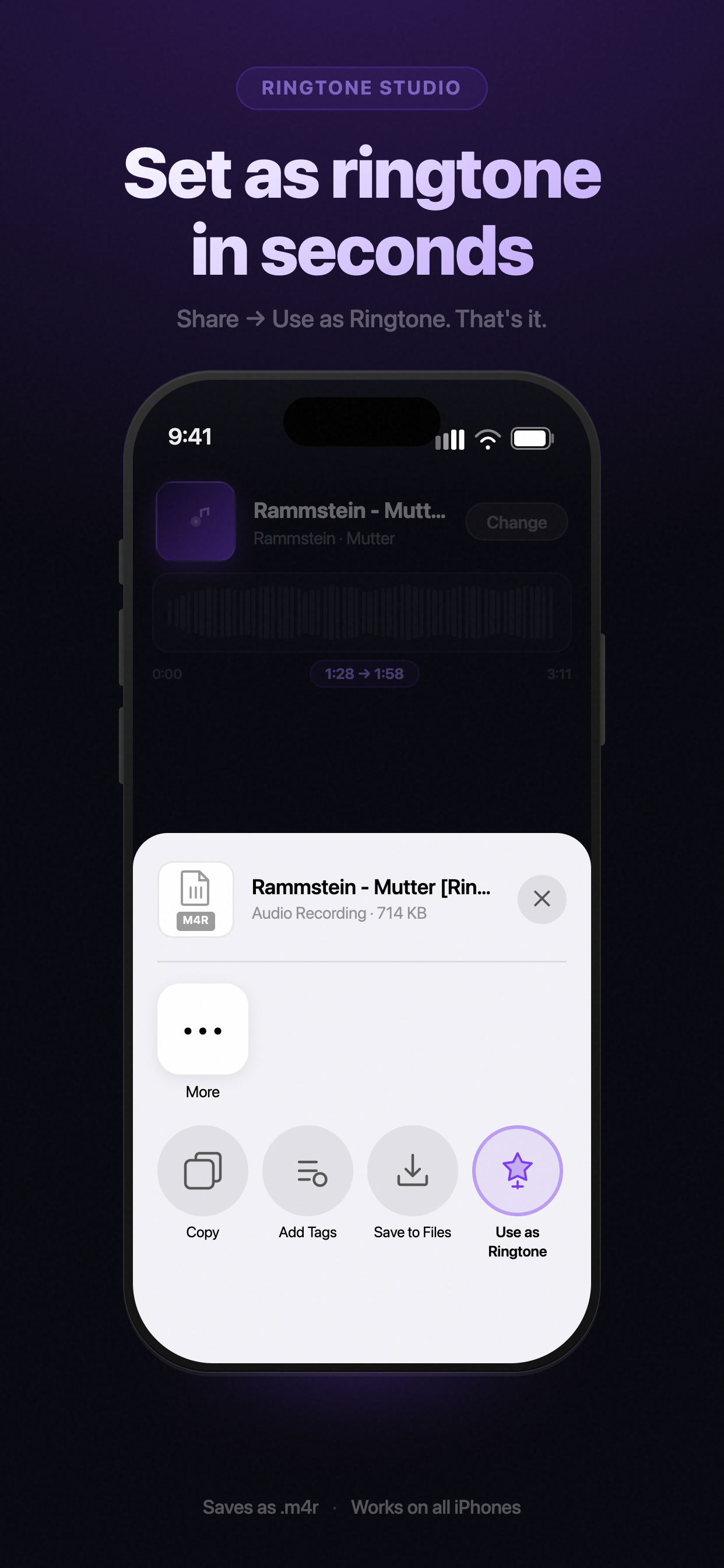
Share screen
30s
Max ringtone length
100%
On-device processing
Free
No subscriptions
4+
For all ages
Features

Everything you need,
nothing you don't.

Ringtone Studio is built around one goal — getting your song onto your phone as a ringtone, as fast as possible.

Real Waveform
See the actual audio of your song — not a placeholder. Pinch to zoom in for frame-perfect trimming.
Precision Trimming
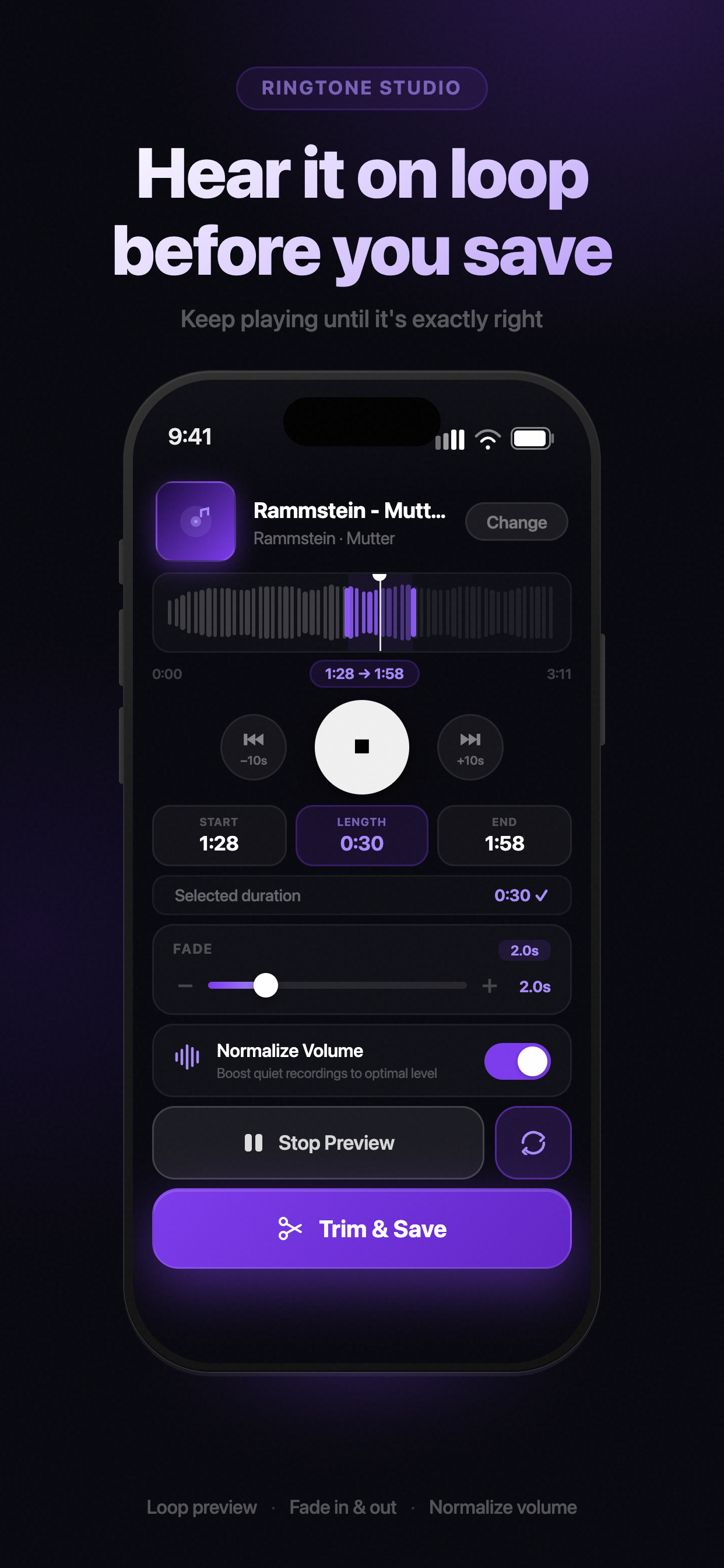
Drag the selection handles to pick any 30-second clip. The length chip updates in real time as you adjust.
Loop Preview
Play your selection on a continuous loop while you adjust handles. Hear every change instantly.
Smooth Fades
One slider controls fade in and fade out simultaneously. No technical knowledge needed.
Normalize Volume
Boost quiet recordings automatically so your ringtone sounds great on the first ring.
Ringtone History
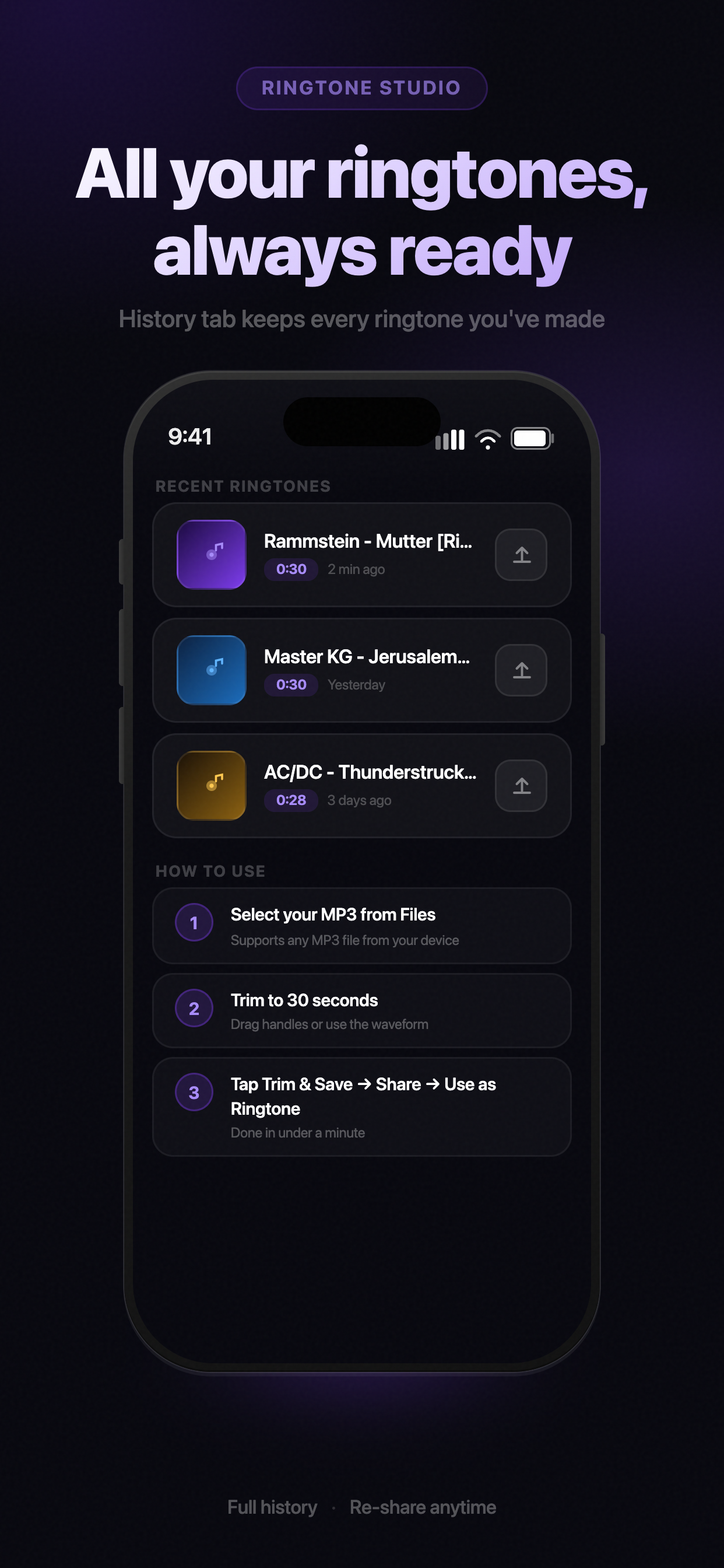
Every saved ringtone stays in your History tab — ready to re-share or set again anytime.
Screenshots

Simple by design.

Every screen is built around the task at hand — no clutter, no learning curve.
Import screen
Import
Trim screen
Trim
Loop preview
Preview
Share screen
Share
History screen
History
How it works

From song to ringtone
in under a minute.

1
Import your MP3
Tap "Choose MP3 File" and pick any track from your Files app.
2
Trim to 30 seconds
Drag the waveform handles to select your perfect clip. Pinch to zoom for precision.
3
Preview on loop
Hit Preview and enable loop. Adjust until it sounds exactly right.
4
Save & set
Tap Trim & Save, then Share → Use as Ringtone. Done.

Make your phone
sound like you.

Free download. No account. No subscriptions.
Just your music, trimmed to perfection.

Download on the App Store